
ClearDesk Computer Help
Friendly, practical help for the computer problems that interrupt your day
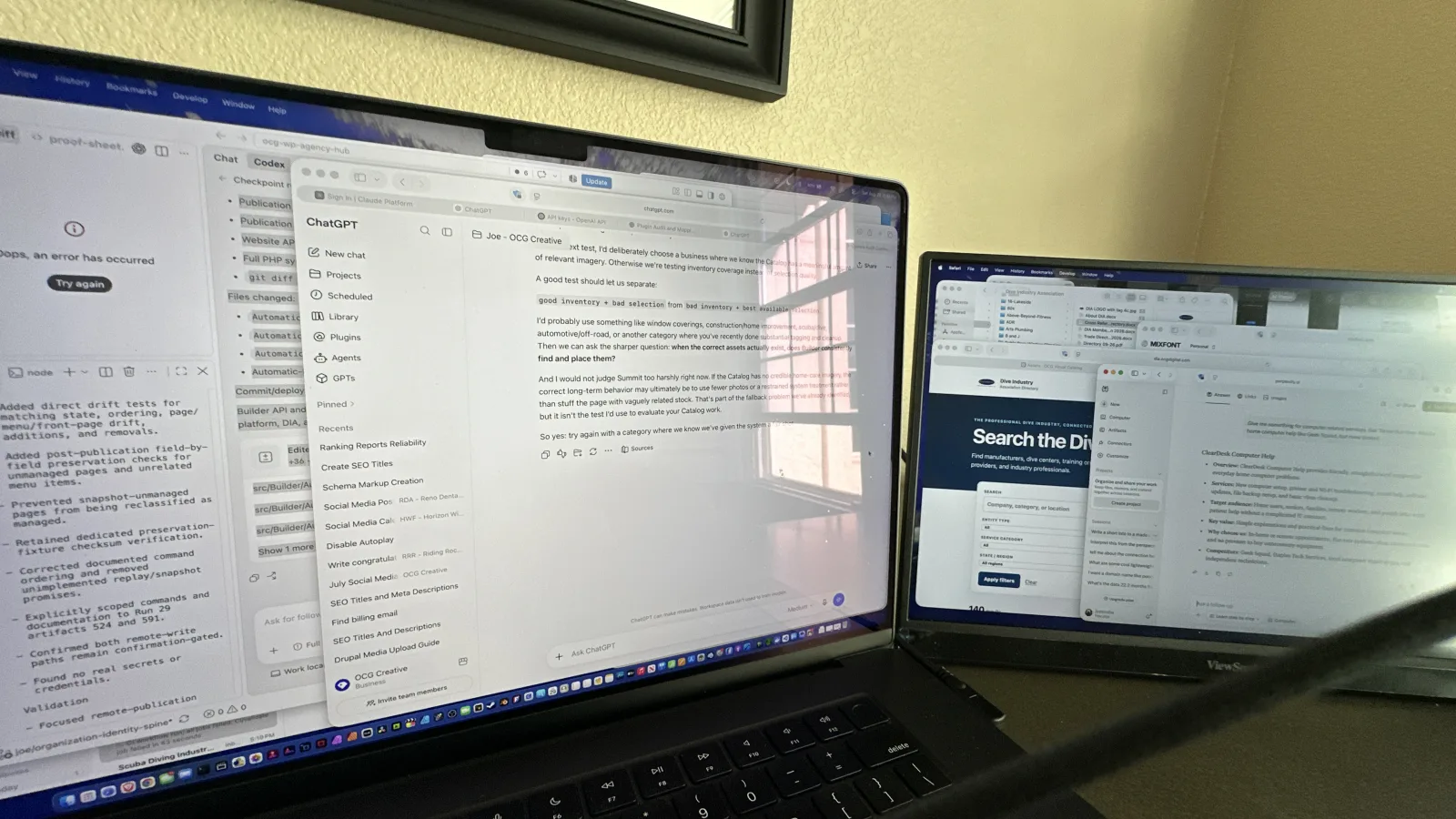
When your home computer starts acting up, it rarely feels like a “small” problem. The printer won’t print right before you need to send a form. Wi‑Fi drops during a video call. Email won’t sync. Updates pop up at the worst time. Suddenly you’re spending your evening troubleshooting instead of doing the thing you sat down to do.
That’s why we built ClearDesk Computer Help: to make home tech problems feel manageable again. We explain what’s happening in plain language, fix what’s fixable, and help you feel confident using your computer—not stressed by it.
Explore

About ClearDesk Computer Help
Friendly, straightforward computer help—built for seniors who just want things to work.

Contact ClearDesk Computer Help
Ask questions and get help directly from ClearDesk Computer Help.
What we help with (the everyday stuff that matters)
Home computers are a mix of devices, passwords, networks, accounts, and “why is it doing that?” moments. We’re here for the real-life issues—especially the ones that are hard to describe but easy to recognize.
New computer setup
A new computer should feel exciting, not intimidating. We can help you get the essentials in place—accounts, settings, updates, and the software you actually use—so you can start fresh without losing important files or getting stuck on confusing prompts.
Printer troubleshooting
Printers have a special talent for failing right when you need them. If your printer won’t connect, won’t print, prints blank pages, or keeps “going offline,” we’ll work through the common culprits: connections, drivers, Wi‑Fi pairing, queues, and the settings that mysteriously change.
Wi‑Fi troubleshooting
If your internet is slow, drops randomly, or works on one device but not another, we help you narrow down what’s really happening. We’ll look at the basics (router, device settings, network name/password confusion) and the not-so-obvious stuff (interference, saved networks, updates, and simple configuration fixes that can make a big difference).
Email help
Email is mission-critical at home—receipts, school messages, health portals, family photos, and more. We help with issues like sending/receiving problems, login loops, syncing across devices, mailbox organization, and settings that got changed after an update.
Software updates (without the drama)
Updates can improve security and stability—but they can also feel disruptive. We’ll help you understand what needs updating, what can wait, and how to keep your system current without constant pop-ups or surprise restarts.
File backup setup
Backing up shouldn’t be an afterthought. We can help you set up a simple, repeatable backup approach so your important photos and documents aren’t living in just one place. The goal: less panic if something breaks, and more peace of mind day-to-day.
Basic virus cleanup
If your computer is suddenly slow, weird pop-ups appear, or your browser keeps redirecting, you might be dealing with unwanted software. We can help with basic cleanup steps and the practical follow-through—like tightening up settings so the same problem is less likely to come right back.
How to get help (simple and human)
You don’t need the perfect technical vocabulary to reach out. If you can tell us what you were trying to do and what happened instead, that’s enough.
Two easy ways to start:
- Call us when you want real-time help or you’re stuck right now.
- Use our web form when you’d rather write it out, include details, or reach us when it’s convenient.
If you can, include helpful clues like:
- What device you’re using (computer model or “Windows/Mac” is plenty)
- The name/model of the printer or router (if relevant)
- Any error message you’re seeing (a screenshot is great)
- What changed recently (new internet, new password, update, new device)
We’ll take it from there.

What it’s like to work with us
We keep things clear and calm. We’ll talk through what we’re doing, why we’re doing it, and what you can expect next—without jargon and without making you feel bad for not knowing a technical term.
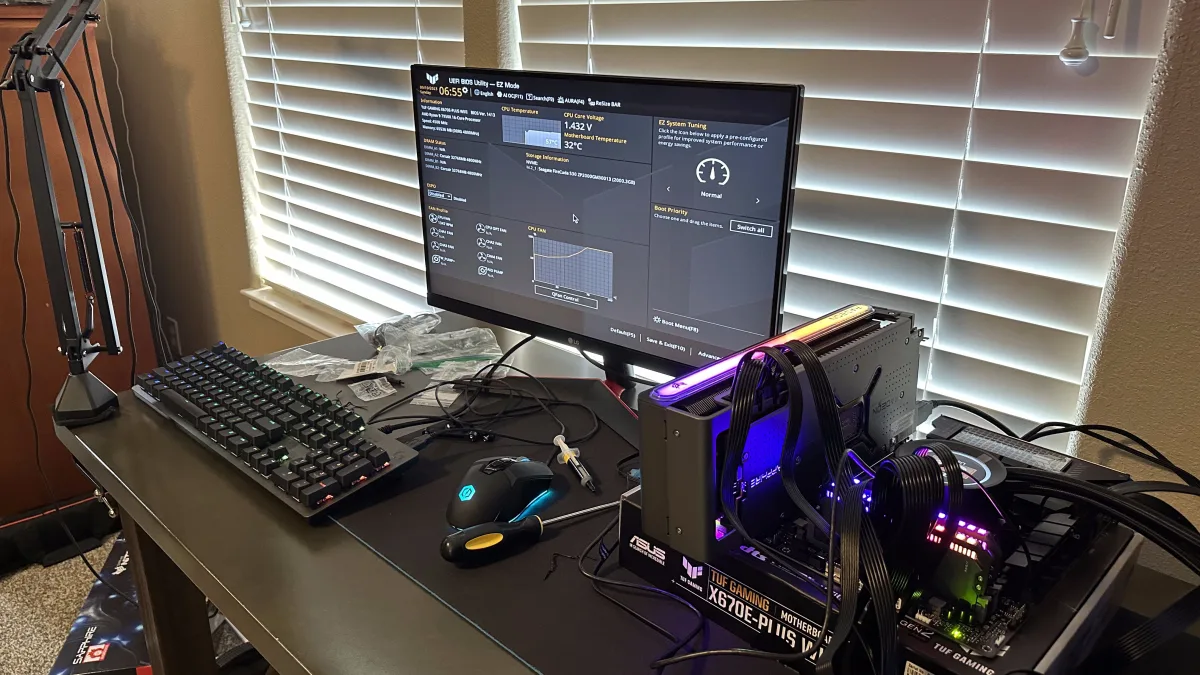
We also focus on the whole problem, not just the symptom. If we fix your printer but it only works because we got lucky, that’s not a win. We aim for fixes that hold up: the right settings, the right connections, and the small “cleanup” steps that prevent repeat issues.
And if the best answer is “this is outside basic home troubleshooting” or “this needs specialized repair,” we’ll tell you directly. No runaround.
Not sure what you need? Start with the problem you’re seeing
If you’re unsure which category your issue falls into, that’s normal—many problems overlap. Here are a few common starting points:
- “Everything is slow.” Could be updates, storage space, browser extensions, or unwanted software.
- “It worked yesterday.” Often an update, a password change, a network change, or a device that quietly disconnected.
- “My printer says it’s offline.” Usually a connection or queue issue, sometimes drivers or Wi‑Fi pairing.
- “My email won’t sync.” Often a login/security prompt, server settings, or an account needing re-authentication.
Tell us what you’re experiencing, and we’ll help you sort the signal from the noise.
Ready to clear your desk?
If you’re tired of guessing, we’re ready to help.
Call us to get unstuck now, or send a message through our web form with a quick description of what’s going on. We’ll respond with a clear next step and get you back to using your computer with less frustration—and more confidence.